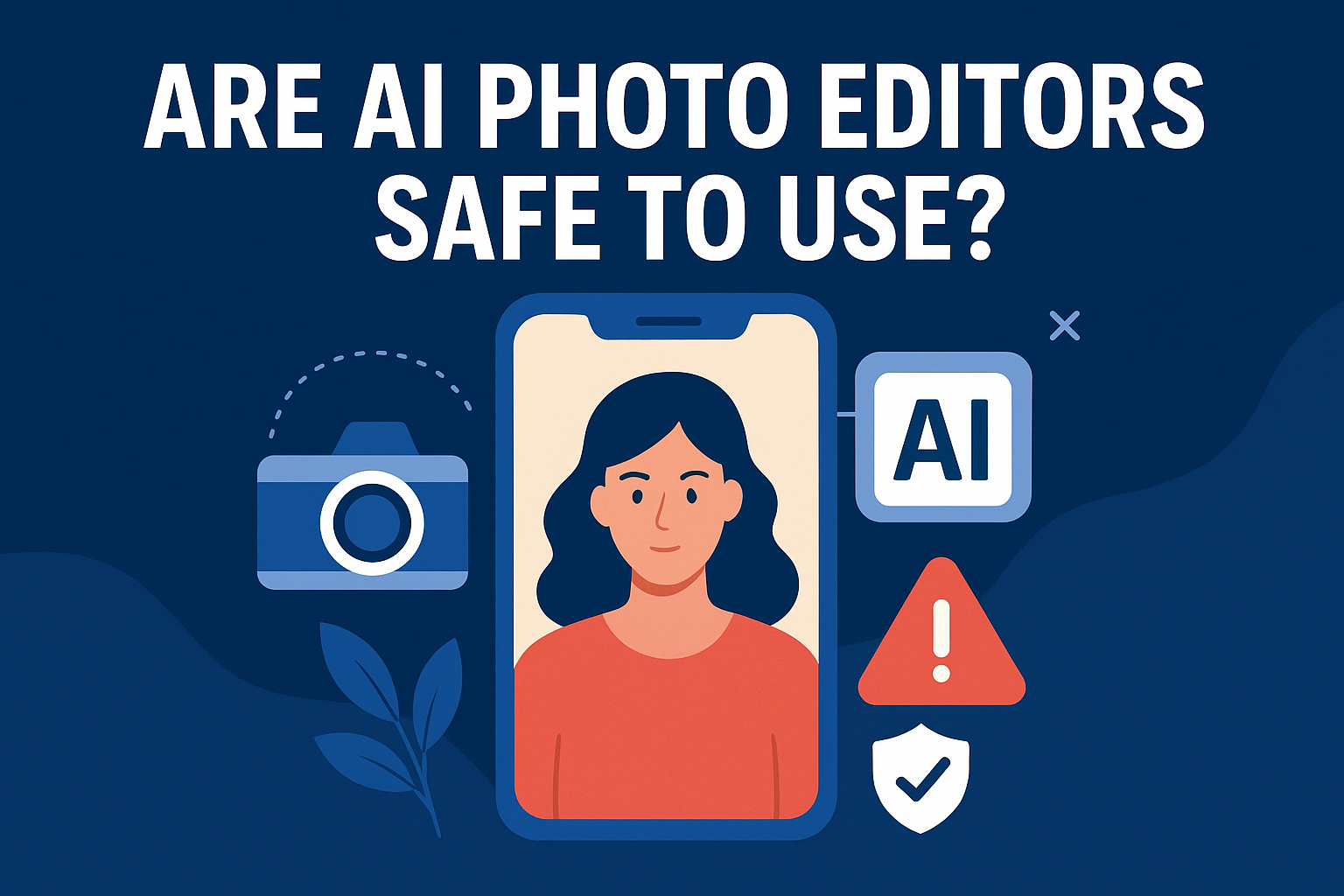
Are AI photo Editors safe to use?
AI photo editors have exploded in popularity from quick face retouching to advanced background removal and AI transformations. But with this rise comes a big question that users everywhere ask:
Are AI photo editors really safe to use, or can your photos be misused once you upload them?
This article breaks down all the risks, technical truths, misconceptions, and safety tips — in a clearer, more balanced, and more helpful way than typical Reddit or Quora answers.
Is It Safe to Upload Photos to AI Editing Websites?
Short Answer: No — not always.
Many AI editing platforms upload your photos to their servers to process them.
Once uploaded, your image can be used to train models, improve the system, or be stored longer than you expect.
Also Read: Gemini Village life Ai Photo Editing prompt
This does not mean every company misuses your photos — but it does mean:
- Your image becomes part of someone else’s dataset.
- Your private photo may stay in backups even after deletion.
- Sensitive photos should never be uploaded.
Block diagrams, scenery, product shots = Usually OK
Personal photos, IDs, children’s images, private moments = NO
Why AI Photo Editors Can Be Risky (Based on Real User Concerns)
Millions of people don’t realize how much personal data gets exposed when uploading photos to AI tools. Here’s what modern AI editors can access:
1. Personal Data & Metadata
When you upload a picture, the platform may access:
Your image
Your location (EXIF GPS data)
- Device information
- Time & date
- Background objects and people
Some companies use this data to:
- Train AI
- Improve facial recognition
Share anonymized data with third parties
2. Risk of Deepfakes and Image Manipulation
- AI tools can generate:
- Realistic deepfakes
- Identity-based edits
- Altered faces or expressions
Your image could theoretically be used to create misleading or harmful content.
3. Facial Recognition & Tracking
Many AI tools rely on face-analysis models.
This can be used to:
- Identify people
- Track individual faces
- Link your photo to other online images
This becomes a serious privacy concern, especially when stored on cloud servers.
4. Lack of Transparency
Smaller or unknown AI websites often:
Don’t tell you how long they store your photos
Don’t tell you if your image is used for AI training
Don’t explain their security measures
If a website has no clear privacy policy, assume your data is not safe.
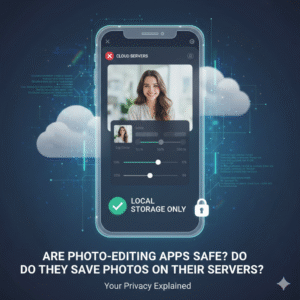
Are Photo-Editing Apps Safe? Do They Save Photos on Their Servers?
Short answer:
Most well-known apps are reasonably safe, but risk levels vary by company, app design, and your settings.
Here’s how different apps handle your photos:
1. Local-Only Apps (Safest)
Examples: Photopea (offline mode), Lightroom Mobile (without cloud), Snapseed.
- Processing happens on your device
- No photo is uploaded unless you choose to share
- Lower privacy risk
2. Cloud-Based AI Editors (Risky)
- Examples: Remini, Fotor AI, FaceApp, Canva AI tools.
- Photos are uploaded to remote servers
- App may retain photos temporarily
- Some use your images to train AI
- Metadata may also be uploaded
2. Cloud-Based AI Editors (Risky)
- Examples: Remini, Fotor AI, FaceApp, Canva AI tools.
- Photos are uploaded to remote servers
- App may retain photos temporarily
- Some use your images to train AI
- Metadata may also be uploaded
3. Hybrid Editors
Some apps only upload your image for features like:
- Background removal
- Upscaling
- AI effects
- Sync across devices
If you enable cloud backup — your entire gallery may be synced.
What Happens to Your Photos After Uploading?
Your image may be:
- Stored for a limited time
- Used for algorithm improvement
- Saved in backups
- Shared with third-party services
- Kept longer than you expect
Even when you delete your photo from your account, cached versions may still exist in logs and backups.
Real Security Risks You Should Know
✔ Unauthorized access (server breach)
Hackers may access stored photos if a company gets breached.
✔ Metadata leakage
- Photos often contain:
- Location
- Device model
- Camera data
- This can reveal sensitive information.
✔ Broad rights in Terms of Service
If a company says “we may use your content for improving our services,” this means training the model.
✔ Third-party sharing
Some apps share data with:
- Advertisers
- Analytics partners
- AI research teams
Government agencies (legal requests)
How Likely Is Misuse?
Reputable companies
✔ Lower risk
✔ Strong encryption
✔ Clear data policy
Are AI photo Editors safe to use?
But still possible.
Unknown or free AI websites
❌ Higher risk
❌ Weak security
❌ They may monetize your photos
❌ No clear deletion policy
If an AI tool is completely free, the product might be you.
How to Use AI Photo Editors Safely (Practical Tips)
1. Choose reputable apps only
Prefer apps with:
- Clear privacy policies
- ISO/SOC certifications
- Transparent data practices
2. Disable automatic cloud backup
Turn OFF:
- Gallery sync
- Cloud backup
- Auto-upload
3. Remove location/EXIF data
Before uploading, remove metadata using built-in settings or apps.
4. Use editors with on-device AI
Modern phones support on-device AI editing (very safe).
5. Avoid uploading sensitive content
- Never upload:
- CNIC/passport photos
- Children’s photos
- Personal family pictures
- Intimate images
- Medical photos
6. Test apps with a dummy image first
- Upload a random image → delete it → see retention policy.
- What Is the Risk of Using AI?
- AI tools carry risks like:
- Data harvesting
- Misuse for training
- Deepfake creation
- Tracking through facial recognition
- Exposure if servers are hacked
- AI is powerful — but not risk-free.
Are AI Tools Safe to Use?
AI tools are safe if you choose trusted platforms and avoid uploading sensitive photos.
Risk depends on:
- App reputation
- Cloud storage
- Data policy
- Security measures
Is Gemini AI Safe for Photos?
It follows strict Google privacy policies
- Uses encrypted servers
- Offers transparent data usage
However, photos may still be used for:
- Quality improvement
- AI training (depending on settings)
- Disable “Help improve Google services” for better privacy.
Is AI Safe for Photo Editing?
Yes — if you select apps wisely and understand the data policy.
No — if you upload private photos to unknown websites.
Conclusion: Should You Trust AI Photo Editors?
AI photo editors are convenient and powerful — but they come with real privacy risks.
Your safety depends on the choices you make:
✔ Use reputable apps
✔ Prefer on-device editing
✔ Disable cloud features
✔ Remove metadata
✔ Avoid uploading sensitive images
If privacy matters, choose local processing or paid, privacy-focused editors. AI tools are safe only when used with awareness and the right precautions.